 Auto Purchase Orders Auto Purchase Orders
 The app has built-in support for syncing incomings to Shopify’s Incoming column, but this feature is not enabled by default for all stores. In this guide, we’ll explain how it works and the prerequisites your store must meet to use it.
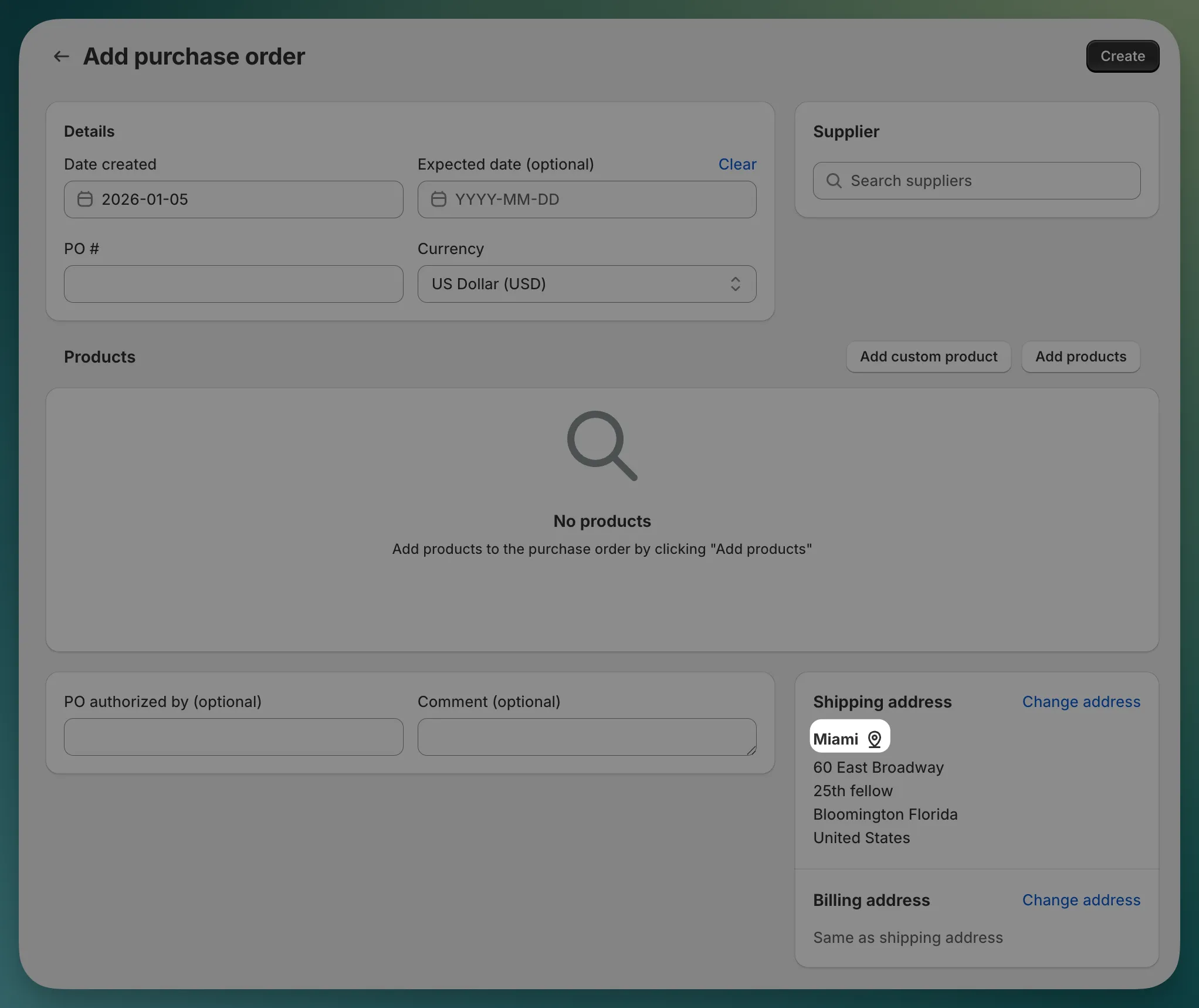
Active, Partially received, and Received. For all other statuses, incomings will not be synced.Do not use any other apps that might modify Shopify’s Incoming column, as this may result in incorrect syncing. Using Shopify’s native transfers or purchase orders is fine.
To enable syncing incomings to Shopify, please contact our support team at support@magicbits.io.