 Auto Purchase Orders Auto Purchase Orders
 You can automatically add tags to a Shopify orders whenever a combined purchase order is created. To do this, we use Shopify Flow, a free app available on all Shopify plans.
Currently, Shopify Flow can process a maximum of 100 orders per workflow. This means that if you create a single combined PO that includes more than 100 orders, Shopify Flow will only process the first 100. If you need to handle more than 100 orders in a single PO, we can implement a workaround for you. Please reach out to our support team at support@magicbits.io for assistance.
If you haven’t installed it yet, download and install Shopify Flow from the Shopify App Store (link).
Download this flow file and import it to the Shopify Flow app
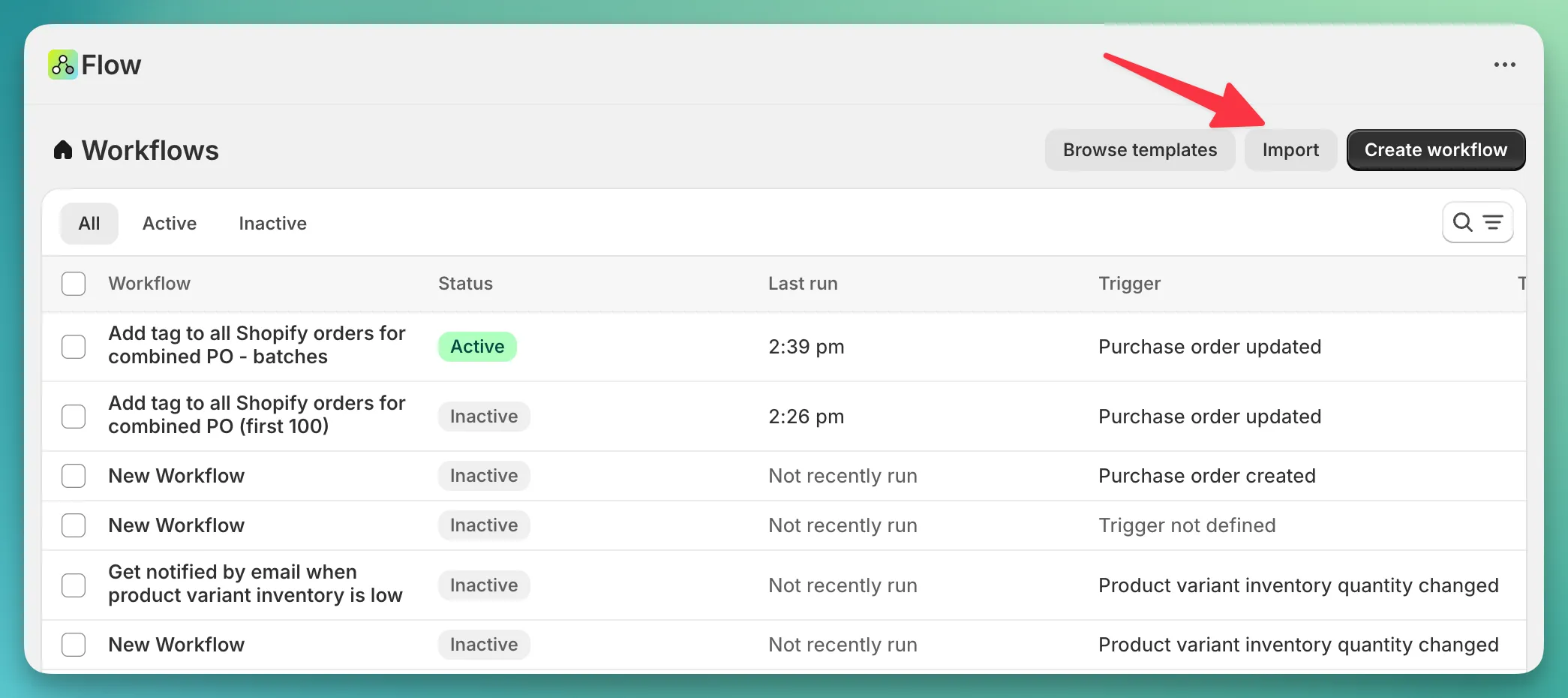
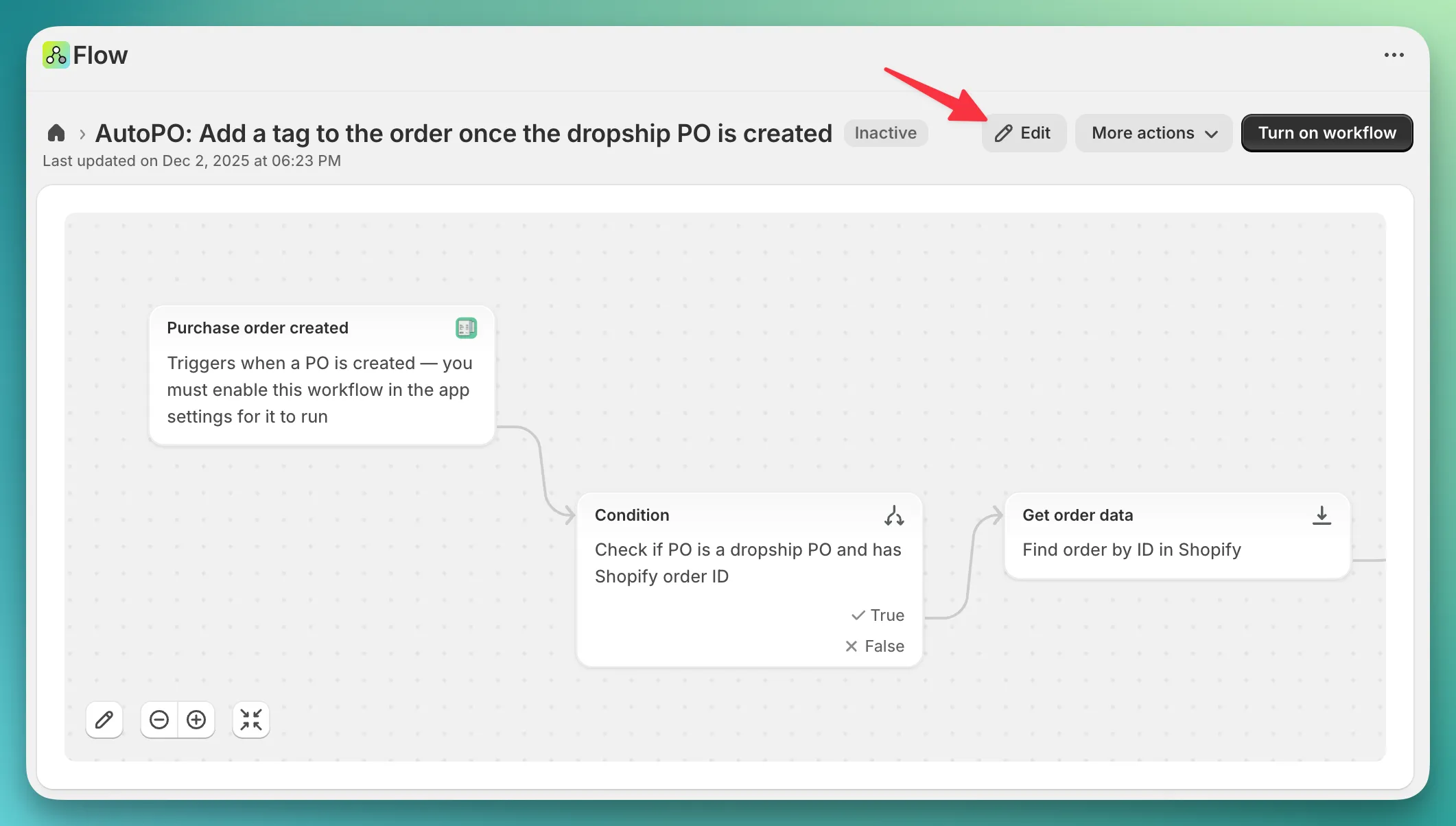
Once you have imported the file, you should see your newly created workflow. Click on it, then click “Edit” button.
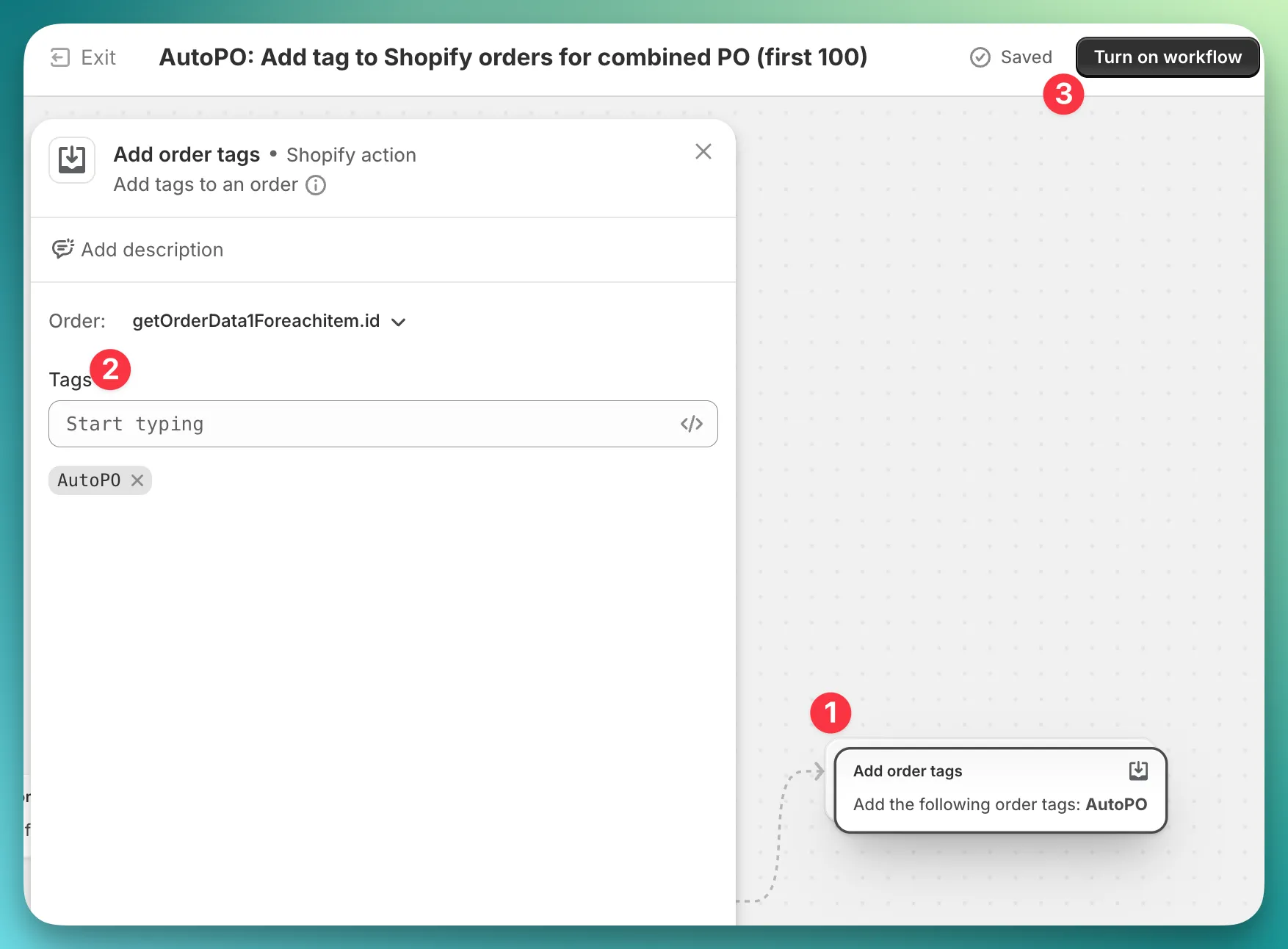
Find the last step in this workflow and click on it (1). In the popover that opens, you can customize the tag or add additional tags.
You can also include Liquid variables in the tag name to make it dynamic based on the PO.
For example, using the string AutoPO - {{purchaseOrder.poNumber}} will produce a tag like “AutoPO - HP0301”, where “HP0301” is the PO number.
Finally, make sure to turn on the workflow (3) — its status should be “Active” after that.