 Auto Purchase Orders Auto Purchase Orders
 You can set default values for purchase order custom fields on each supplier. Defaults are prefilled when you create a PO for that supplier, and users can still change the value on the PO.
Create the purchase order custom field definition first. The field must be available for the supplier before you can set a default value for that supplier.
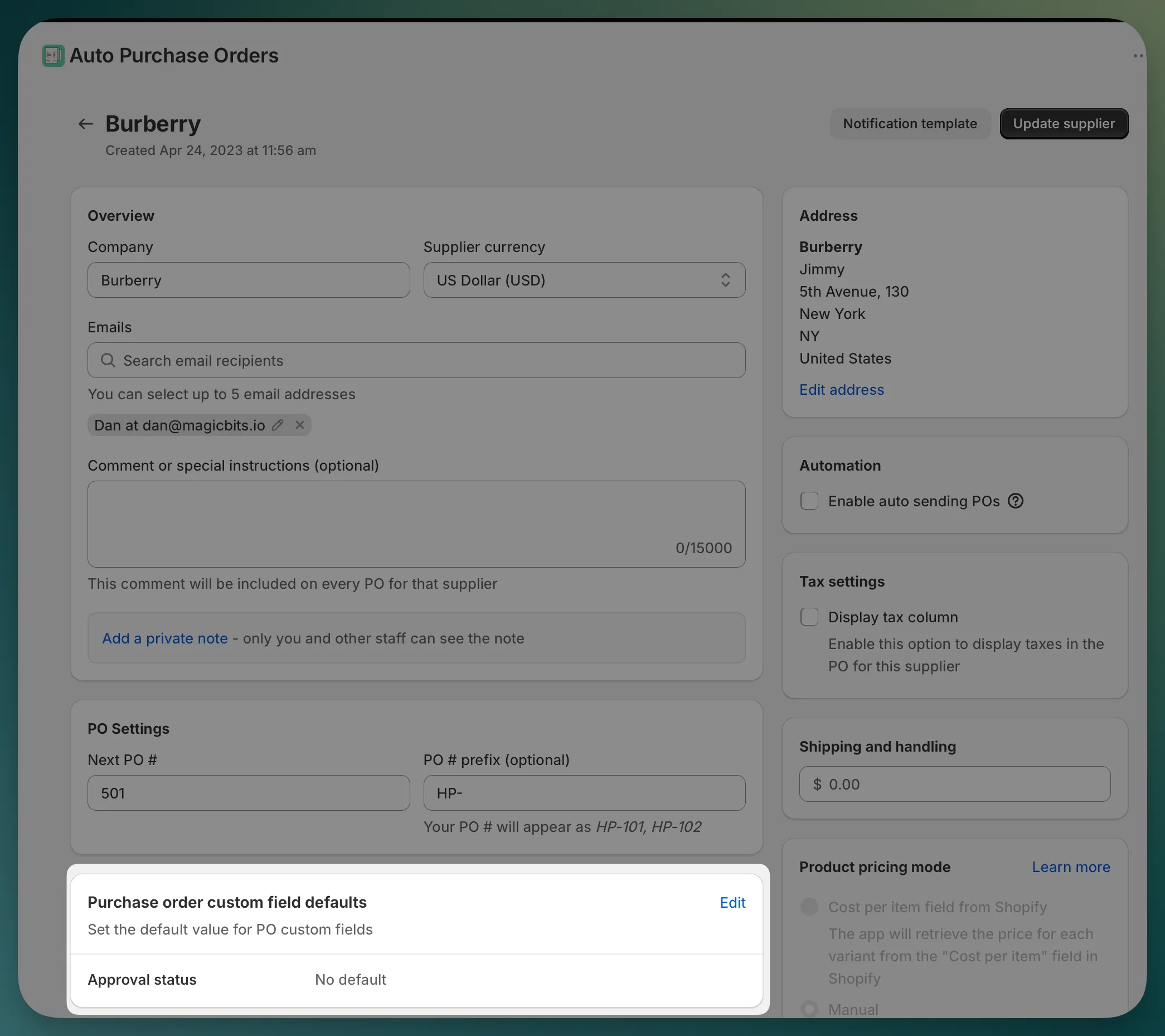
The fields shown here depend on the custom field definitions available for this supplier. If a field does not need a default value, leave it as No default.
The default values are saved for this supplier.
When you create a PO for this supplier, the app preloads the supplier’s default values into the PO custom fields.
Users can keep the default value, change it, or clear it before saving the PO. The value saved on the PO is the value used on the PO details page, PDFs, exports, and email templates.